
If you build web apps with Xojo, 2026r1 is worth a close look. There’s a good mix of new controls and under-the-hood improvements to explore. Exciting times!
New Controls
Three new controls have been added to the Web framework in this release, aiming to close the difference gap between Web and the other project types.
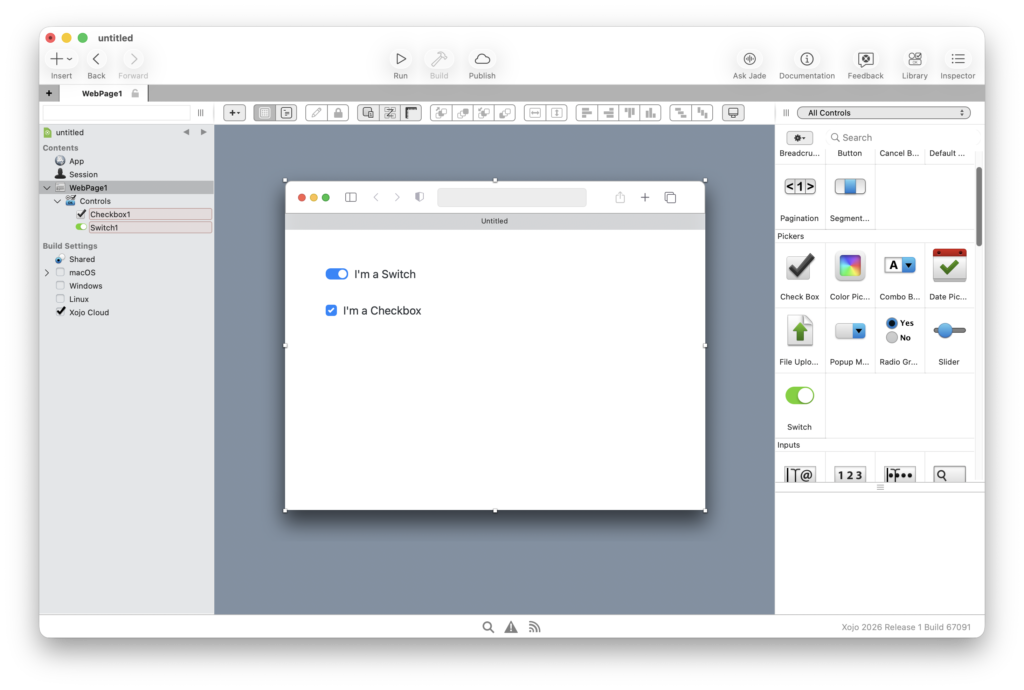
WebSwitch is a toggle control that mobile developers will already be familiar with. It’s been available on iOS and Android for a while. It’s now available for web projects too, so if you’ve been approximating a toggle switch using a styled checkbox, you can finally retire that workaround.
WebColorPicker brings color selection to web apps in the same way DesktopColorPicker does for desktop. Drop it in from the Library, wire up the event and you have a color picker the Xojo way.
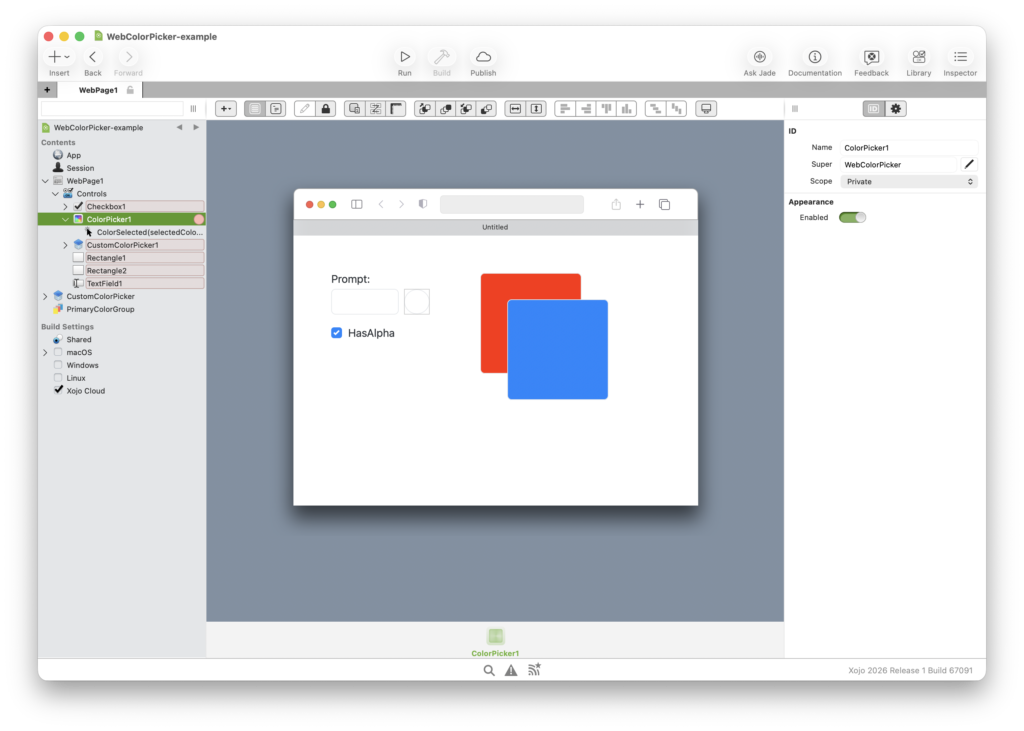
This is how WebColorPicker looks like in your browser:
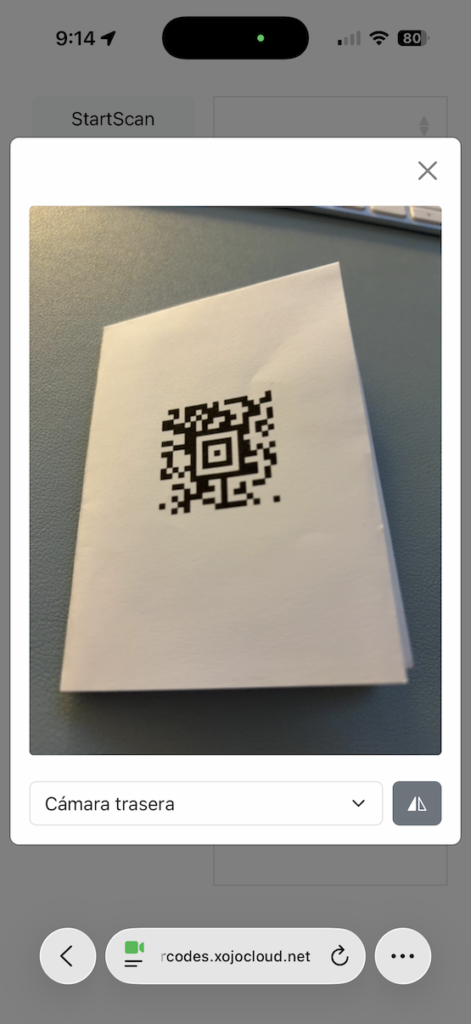
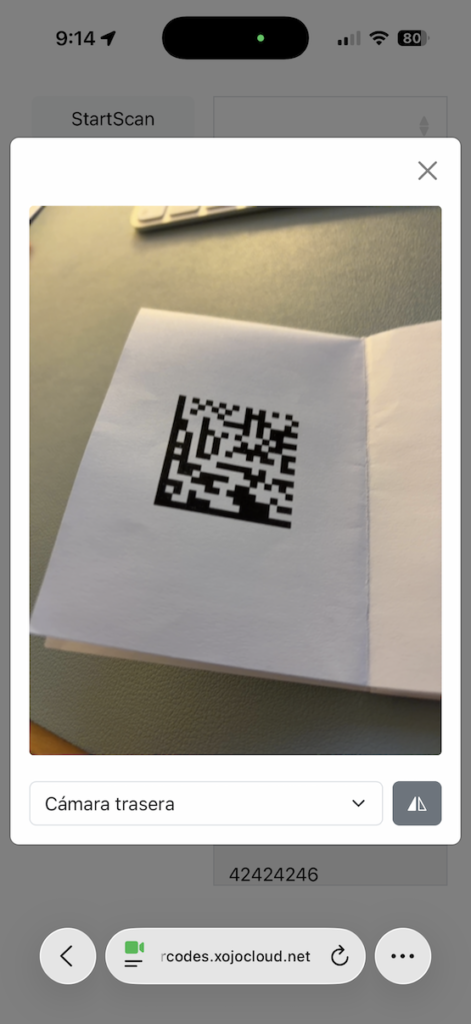
The third new control adds barcode reading support. Your web app can now read barcodes directly from the user’s camera, from desktop or mobile browsers. This opens up a lot of practical use cases: Inventory systems, ticketing, product lookups, that previously would have pushed you toward a native mobile app.
Again, drop the Barcode control into your project and implement the events:
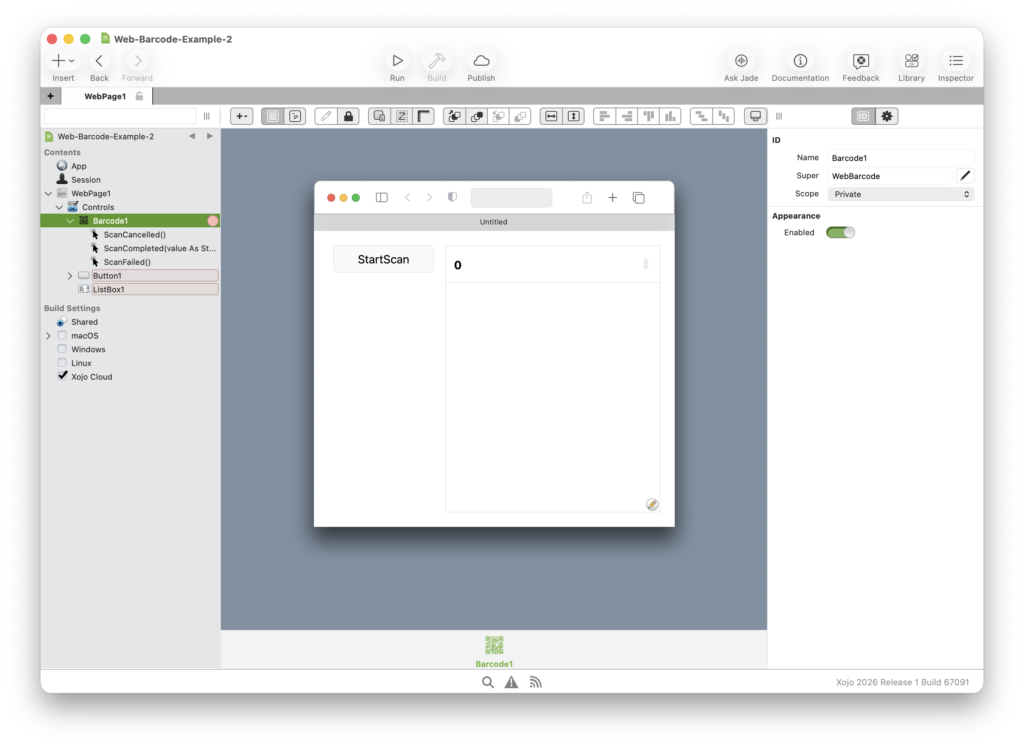
That’s it! Your web apps can scan a great variety of barcodes now. Including QR, Data Matrix, Aztec, PDF 417 and much more!
Icons on WebButtons
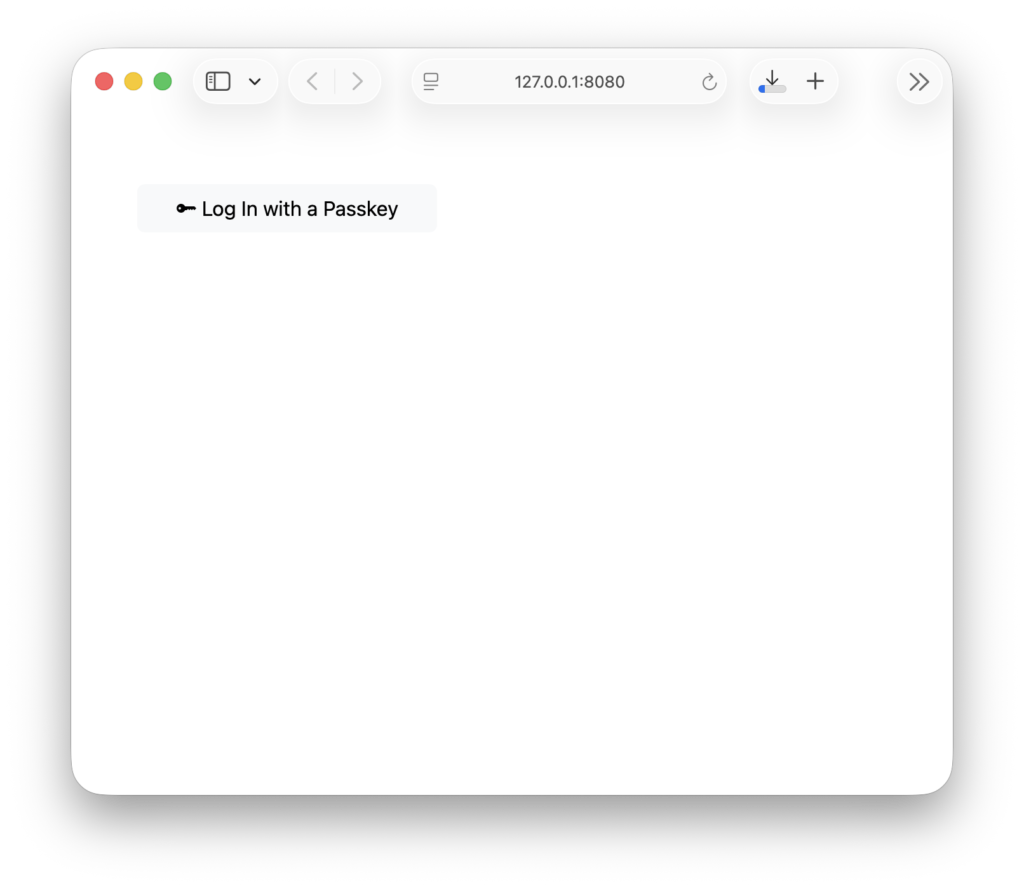
WebButton now has an Icon property. You can assign any WebPicture to it, or use one of the Bootstrap icons that are already bundled with the framework. It’s a small addition, but it makes a noticeable difference when building action-heavy interfaces where a label alone doesn’t communicate enough at a glance.
Add a button into your project:
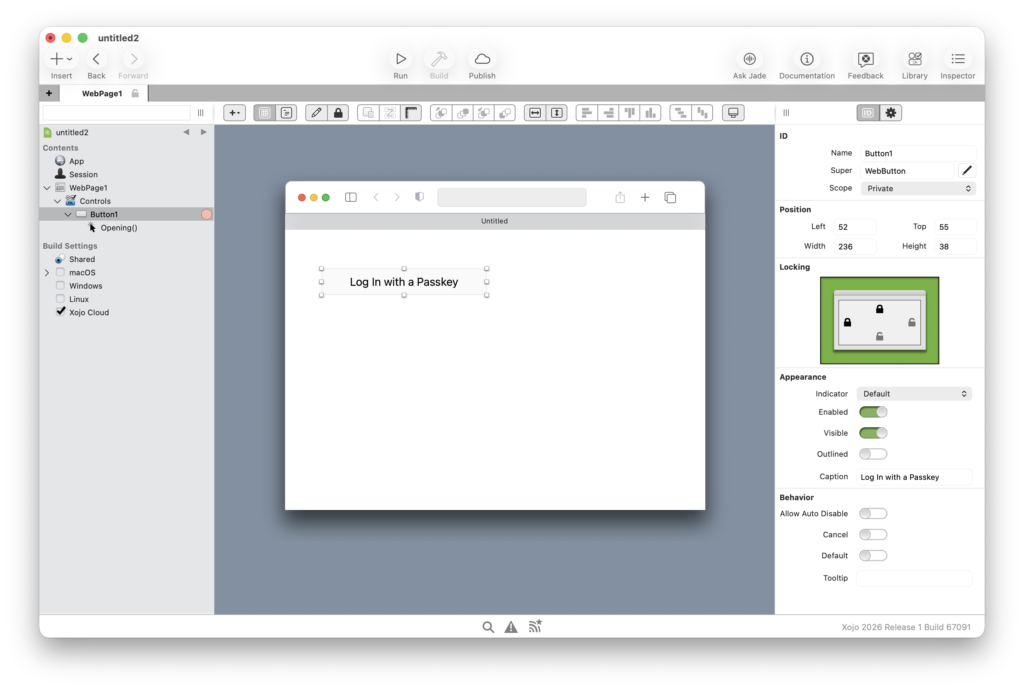
Configure its Icon property in the Opening event:
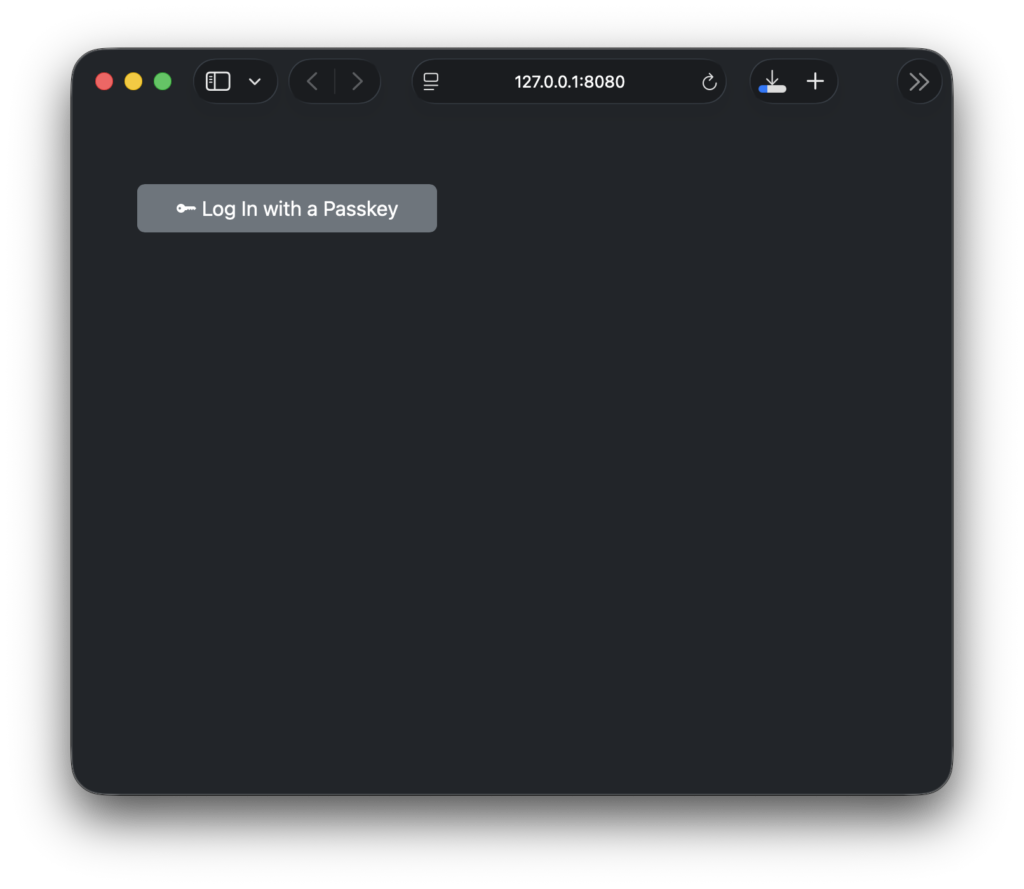
Me.Icon = WebPicture.BootstrapIcon("key-fill")If you don’t specify a color in BootstrapIcon, it will inherit the button caption color in this case. This is the easiest way to support Dark Mode with the new WebButton.Icon property, without doing any special tricks.
Here is how it looks like at runtime:
Dark Mode:
WebLabel: Semantic HTML and Proper Element Types
Two related changes landed for WebLabel in this release. The first is a correctness fix: the control was previously rendered using the HTML <label> element, which is semantically meant to label form inputs, not to display general text. That has been corrected.
The more interesting addition is that you can now choose which HTML element WebLabel renders as. If you want a label to be an <h1> or an <h2>, you can set that directly in the Inspector. This is useful not just for visual styling, but for accessibility tools and search engines that rely on page structure to understand content hierarchy.
Improving both, accessibility and making search engines happier, are some of our goals for 2026. You will continue seeing improvements in this sense.
WebTextArea Gets AddText
WebTextArea now has an AddText method, consistent with how the control works on Desktop and Mobile. If you’re writing code that targets multiple platforms, this kind of parity saves you from having to check which target you’re on, before appending text.
Scale Indicator on WebMapViewer
WebMapViewer now has a HasScaleIndicator property. When enabled, a small visual scale appears on the map showing real-world distance. It makes a difference in apps where users need spatial context. Field work, logistics or anything where “how far is that?” is a question users might actually ask.
Performance and Modernization Under the Hood
A few changes in this release won’t be immediately visible, but they improve things for everyone.
Bootstrap has been updated to v5.3.8 which fixes some issues introduced in v5.3.7 impacting Xojo. The TypeScript compiler has been updated to v5.9.3, and the compilation target has been bumped from ES6 to ES2020. Unused code in the Web Framework has been cleaned up to reduce the compiled bundle size.
Xojo has also removed its own internal usage of Modernizr. The library is still present for now so existing apps that rely on it won’t break, but it’s no longer used by the framework itself and will be removed in a future release.
If you’ve been meaning to audit your web app for performance, this is a good moment to look at SendEventsInBatches and LazyLoadDependencies on WebSession as well. Both now default to True on new projects, so if your existing app has them disabled, it’s worth trying them out. These properties have been around for a while already but were turned off by default.
API Consistency Cleanups
A few methods have been deprecated in favour of names that are consistent with the rest of the framework:
WebApplication.AutoQuit→AllowAutoQuitWebListBox.ReloadData→ReloadFromDataSourceWebRadioGroup.RemoveAllRows→RemoveAll, andRemoveRowAt→RemoveAt
Your existing code will still compile, but it’s worth updating these when you get a chance.
Wrapping Up
Between new controls, better HTML semantics, and a leaner runtime, 2026r1 is a worthwhile update for anyone building web apps with Xojo. Check out the full release notes for the complete list of changes.
Ricardo has always been curious about how things work. Growing up surrounded by computers he became interested in web technologies in the dial-up connections era. Xojo has been his secret weapon and language of preference since 2018. When he’s not online, chances are he will be scuba diving … or crocheting amigurumis. Find Ricardo on Twitter @piradoiv.