
I’ve learned over the years not to have any specific expectations from Apple’s WWDC keynote. Some years they introduce something big and new that we were pretty much expecting. Other years they blindside us. As the CEO of a company that creates tools for building apps for most of Apple’s ecosystem and given Apple’s history of secrecy, I’m understandably curious just how blindsided I might be each June. Fortunately, this year’s keynote was filled with features that ranged from mildly interesting to really awesome but all incremental improvements across Apple’s software line.
Comments closedAuthor: Geoff Perlman
For a while now we have been managing our API proposals with Issues, a web-based task management system from Gitlab. Issues can be used for…
Comments closedWe are always looking for ways to help you be more successful using Xojo and the documentation is a critical component to your success. With that in mind, we have been working on updating Xojo’s documentation for a while now. This Xojo Documentation uses a completely new engine, offers improved searching and more to help you, and us, use it more effectively.
Comments closed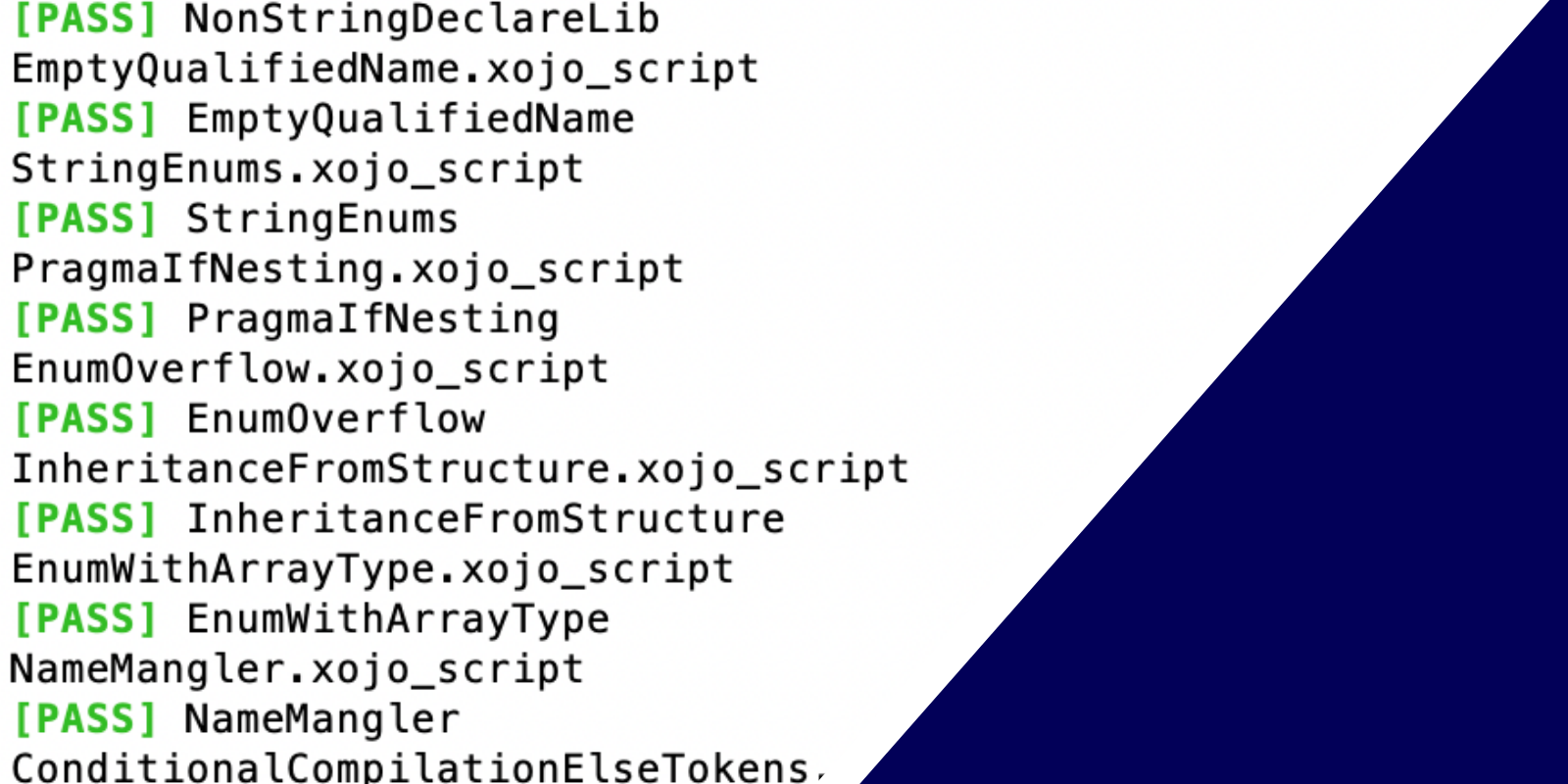
Xojo has an extensive testing period where actual users test a pre-release version with their projects but if you are wondering what kind of testing we do internally before each pre-release of Xojo, we have quite a bit of automated testing processes. There are over 400 tests just for the compiler alone. Already, we are approaching 300 tests for our Android framework. In total, across all supported platforms, there are over 2500 automated tests.
Comments closedBeing more efficient means we spend more time on making Xojo better for you. Feedback, our bug and feature tracking system, is a place where we spend a lot of time interacting with you and thus it’s something we very much want to improve. We have three improvements in mind. One will be made today and the other two will come sometime next year.
Comments closedOur vision for Xojo has always been to make it fast and easy for people of varying programming skill levels to create applications. The primary…
Comments closedXojo 2021 Release 3 Xojo introduces a new set of Desktop controls. Each of these controls replaces its original control counterpart and is prefixed with Desktop. For example, Window is now DesktopWindow and TextField is now DesktopTextField. The driving logic behind these new controls is that they allow us to make their event names match the Web and Mobile versions. In addition, the new controls gave us the opportunity to make some other changes to various methods that would have been problematic to make in the existing controls. Desktop controls now are a much closer match in terms of API to their Web and Mobile equivalents. These new controls make more code work without changes when you move from one project type to another.
Comments closedMacRumors reported that Google’s design chief for Apple platforms, Jeff Verkoeyen, announced that Google is switching from using a lot of custom controls in its iOS apps. this same device. You only get that if you use native user interface controls. That’s why Xojo has always provided native user interface controls, high-level access to native system functionality and compiled to native code.
Comments closedI’m happy to report that the Xojo engineers have overcome the hurdles that prevented building for macOS from Windows and Linux. The ability to cross-compile macOS apps from Windows and Linux will return in Xojo 2021r3.
Comments closedOne of the ways our Xojo MVPs help the community is by being on the lookout for areas that can be improved and bringing them…
Comments closed