
If you’ve tried using ChatGPT, Claude, or Gemini for help with Xojo code, you’ve probably experienced the same frustration most of us have: the AI doesn’t know your project. You end up copying and pasting classes, explaining your architecture, and then watching it hallucinate method or framework names that don’t exist. It works, sort of, but it’s clunky.
I wanted something better. Not a generic chatbot that happens to know some Xojo, but a tool that could actually see what I was working on. That’s why I built Zotto (with Xojo!).
What Is Zotto?
Zotto is a cross-platform macOS and Windows app that acts as an AI pair programmer specifically for Xojo developers. It connects directly to the Xojo IDE, reads the project you’re working on, and gives the AI real context about your code such as classes, method signatures, properties. Essentially the whole project’s structure.
The Problem It Solves
The core issue with using general-purpose AI tools for Xojo development is context. When you ask Claude or ChatGPT a question about your project, the AI has no idea what your codebase looks like. You become the middleman, manually feeding it snippets and hoping it has enough information to give useful advice.
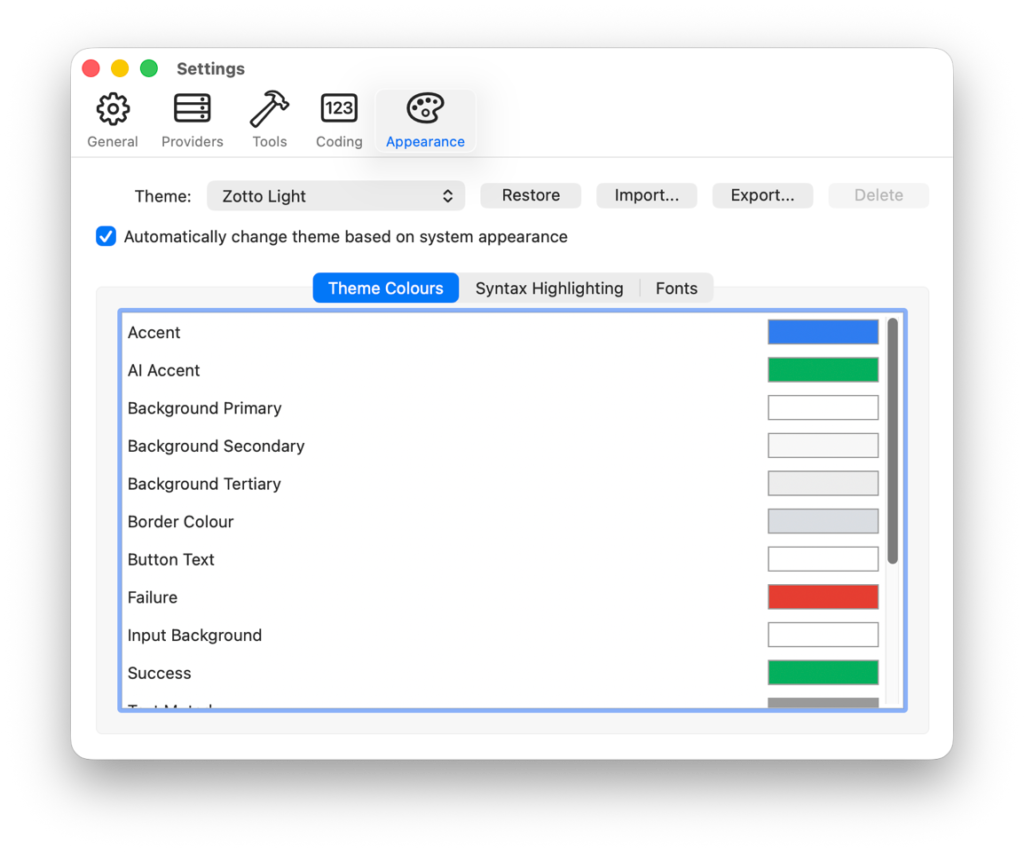
Zotto removes some of that friction. When connected to the IDE, the AI can explore your project on its own using built-in tools:
- ProjectOverview gives it the high-level folder structure
- ListItems lets it drill into specific folders
- GetSignatures shows method and property signatures without dumping all the code
- ReadCode pulls up full method implementations when needed
- SearchCode does grep-like pattern searches across the codebase
- SearchDocs lets it search and retrieve Xojo documentation directly
These tools are designed to be token-efficient. Instead of dumping your entire project into the context window, the AI requests only what it needs, when it needs it. A ProjectOverview call might use 300-500 tokens. A GetSignatures call on a class gives the AI the API surface without the implementation details. This layered approach means even large projects work well within context limits.
Read-Only by Design
One decision I made early on was that Zotto would be read-only. It can read your code, analyse it, suggest changes, and generate snippets — but it cannot modify your project files, create new items, or execute IDE scripts.
This is intentional. I think AI-generated code should be reviewed by a developer before it goes into a project. Zotto gives you copy-pasteable suggestions and lets you decide what to implement. You stay in control.
Bring Your Own Model
Zotto isn’t locked to a single AI provider. It supports Claude, OpenAI, Gemini, Ollama, LM Studio, and any OpenAI-compatible API (which covers services like Grok and OpenRouter). If you’re privacy-conscious or working on sensitive code, you can run it entirely offline with a local model through Ollama or LM Studio. Your code never has to leave your machine.
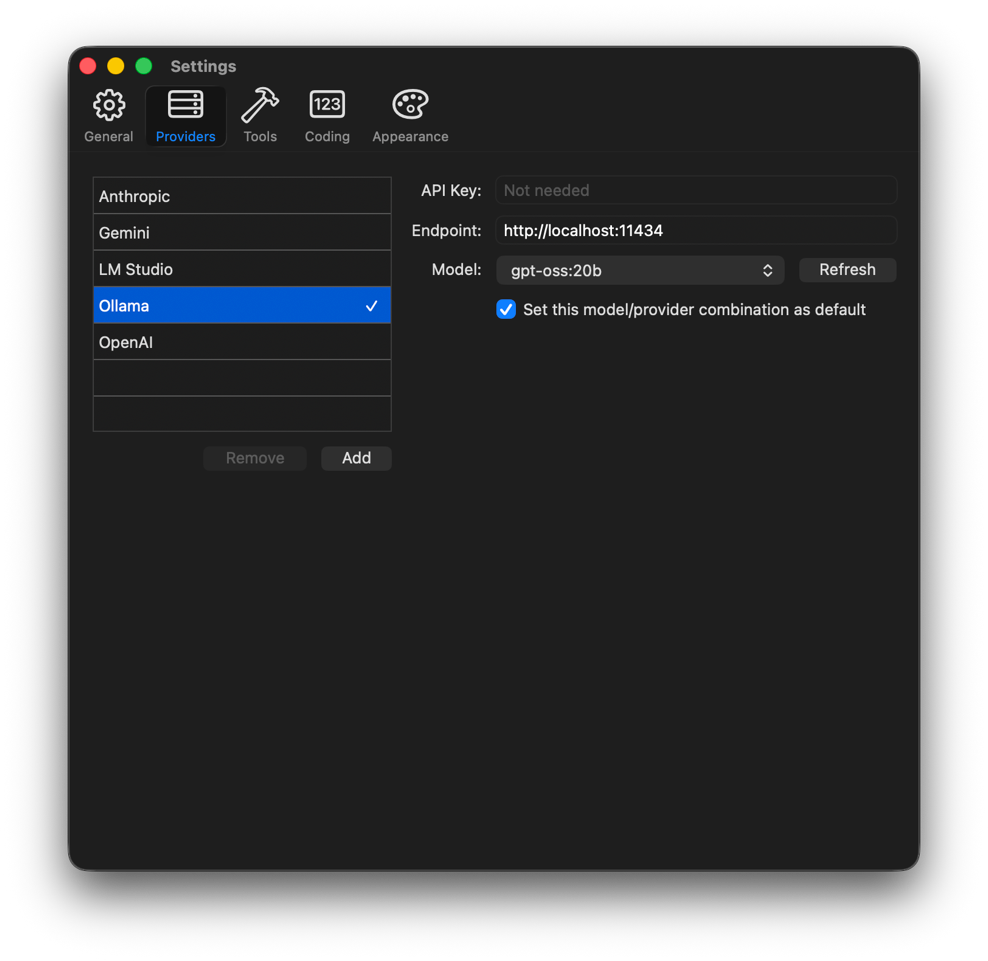
This also means you’re not paying for Zotto’s AI usage — you use your own API keys or local models, so you’re in full control of costs.
How It Works in Practice
A typical workflow looks like this:
- Open your project in the Xojo IDE
- Launch Zotto — it detects the IDE automatically
- Select which open project to work with
- Start chatting
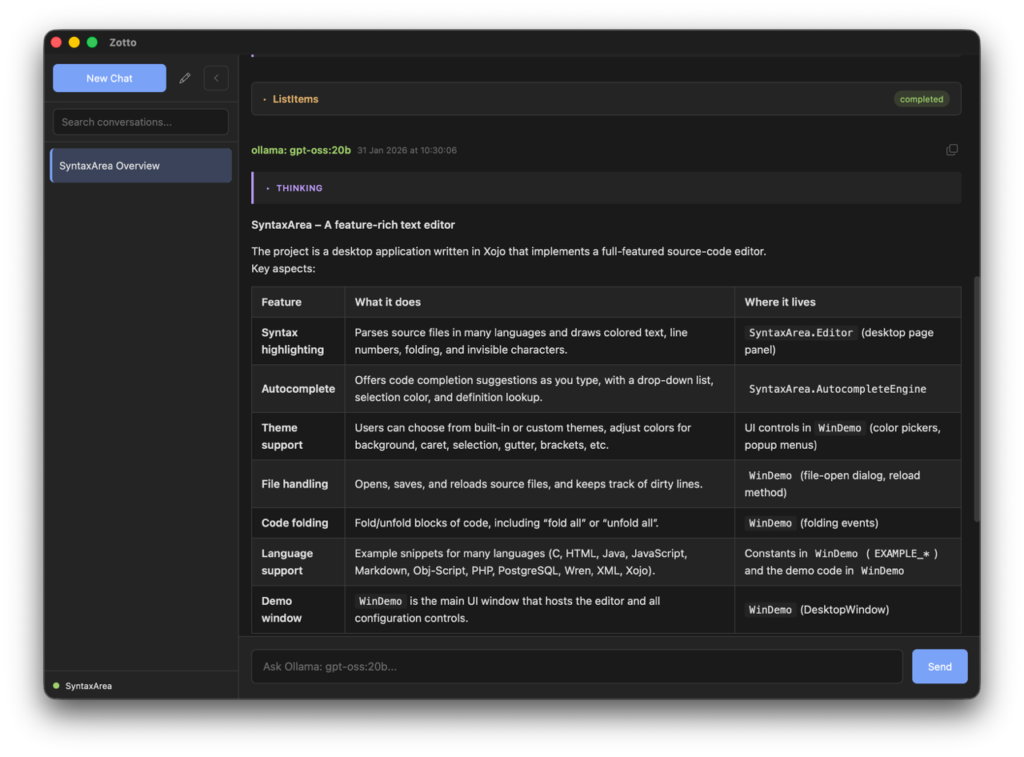
From there, you might ask the AI to review a class, suggest how to refactor a method, help you understand unfamiliar code in a project you’ve inherited, or brainstorm an approach to a new feature. Because the AI can explore the project itself, the conversation feels much more natural than the copy-paste dance with a generic chatbot.
For example, you could ask: “What does the ProcessOrder method in OrderManager do?” Instead of you having to find and paste the code, Zotto’s AI will call ReadCode to look at the method itself, then maybe GetSignatures on the parent class to understand the broader context, and give you a thorough explanation.
Extending with MCP
For developers who want to go further, Zotto supports the Model Context Protocol (MCP). This lets you add custom tool servers — for file system access, Git operations, database queries, or anything else you might want the AI to have access to during a conversation. It’s the same protocol that Claude Desktop and other AI tools support, so existing MCP servers work out of the box.
Built for the Community
Zotto exists because I needed it for my own Xojo development. I was spending too much time being the translator between AI tools and my codebase. Once I had something working, it seemed like other Xojo developers would find it useful too.
There’s a free version you can try that includes full IDE integration and all the built-in tools with a single conversation. A full license is a one-time purchase of £69 — no subscription. You can learn more and download it at zotto.app.
If you have questions or feedback, I’d love to hear from you on the forum.
Garry Pettet is a Consultant Radiologist, Xojo developer and the creator of Zotto. You can find him on the Xojo forum or at zotto.app.