
We’ve been making steady progress on our WinUI support for Windows, and we’re excited to announce that it has now moved from Experimental to Beta in Xojo 2026r3.
There’s still work to be done, but WinUI has reached an important milestone. We’re encouraging developers to start testing their existing applications with WinUI and, most importantly, to let us know when you encounter something that doesn’t work as expected.
Menus and Contextual Menus
One of the biggest additions in this release (Xojo 2026r3) is support for WinUI based Menus and Contextual Menus.
Menus are an essential part of many desktop applications, and bringing them to WinUI makes it possible to build more complete, native-feeling Windows applications with Xojo.
Symbol Support
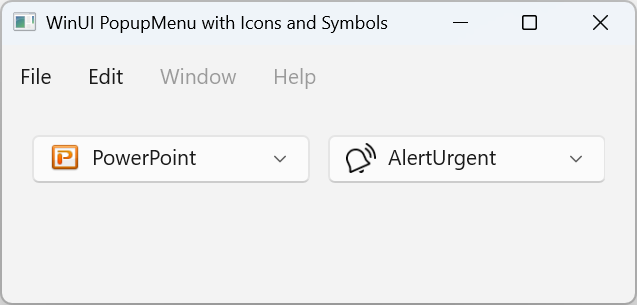
We’ve also added support for symbols to a variety of controls, including DesktopPopupMenu and Menus.
Symbols provide a convenient way to add familiar visual indicators and icons to your application’s interface while taking advantage of the system’s available symbol resources. This gives you another way to create modern Windows interfaces without having to manage and distribute every image yourself. Note that Symbol support is only available for WinUI, Linux and macOS.
Picture.SystemImage Comes to Desktop
Originally available for iOS projects, Picture.SystemImage is now available on desktop as well. This provides a simple way to access system-provided images and symbols from your Xojo applications.
The list of supported symbols can be found here:
- Windows: https://learn.microsoft.com/en-us/windows/apps/design/iconography/segoe-fluent-icons-font
- Linux: https://specifications.freedesktop.org/icon-naming
- macOS: https://developer.apple.com/design/human-interface-guidelines/sf-symbols
On Windows, symbols are loaded from the Segoe Fluent Icons font (on Windows 10 they are loaded from the Segoe MDL2 Assets), so this feature is supported on both WinUI and non-WinUI Windows targets.
Designed with WinUI in Mind
As we add new functionality and controls, we’re designing with modern desktop platforms like WinUI in mind from the start. This means not only adding WinUI support to existing controls, but also improving the overall desktop experience where we can.
For example, our new DesktopTable provides a much better WinUI look and feel than the older DesktopListBox control, giving you a more modern foundation for displaying tabular data.
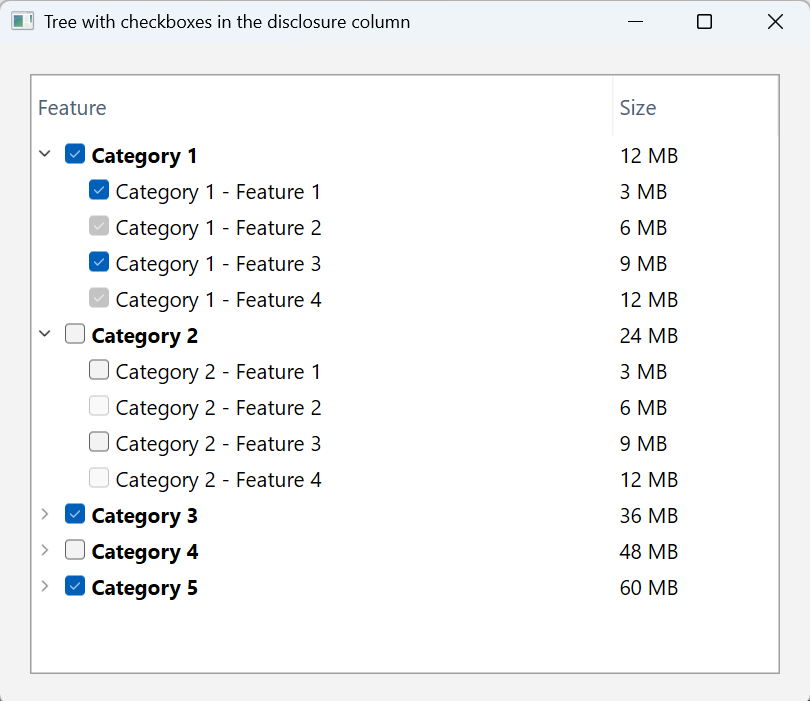
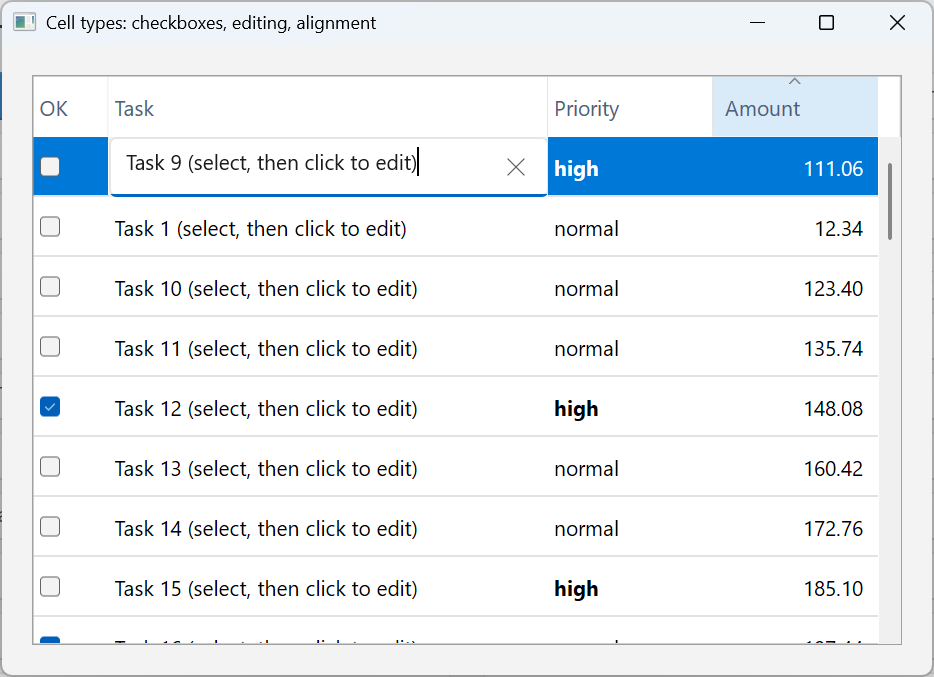
We’re also making existing controls take better advantage of the features available on modern platforms. PopupMenu now makes use of the Icons assigned to its MenuItems, so when building for WinUI, Linux, or macOS, those Icons automatically appear in your PopupMenus.
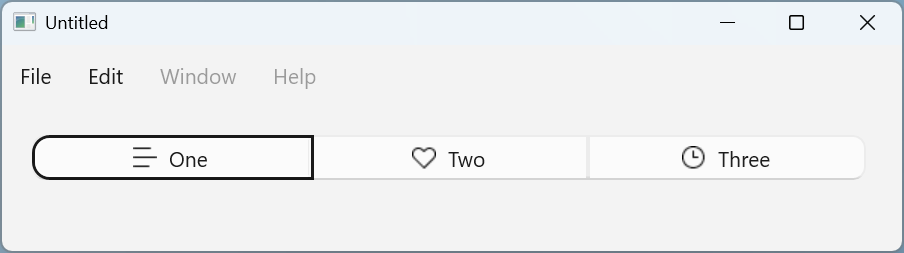
Even familiar controls are getting an update. SegmentedButtons can now properly receive focus and be navigated between segments using the keyboard.
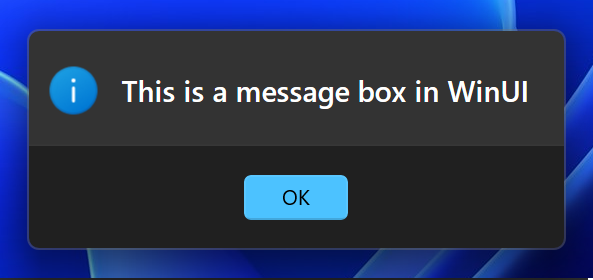
MessageBox is now dark-mode aware when built with WinUI, allowing it to better match the appearance of your application and the user’s system settings.
From Experimental to Beta
Moving WinUI support from Experimental to Beta is an important step for Xojo.
Beta means that we believe WinUI is ready for more developers to begin using and testing in real-world applications. It does not mean that every feature is complete or that there aren’t still issues to address. There is more work ahead, and your feedback will be an important part of getting WinUI ready for production use.
Give WinUI a Try
WinUI represents an important step forward for Xojo on Windows, and we’re excited about where it is heading.
If you’ve been waiting to try WinUI, now is the time. Start testing your applications, explore the new functionality, and let us know what you discover. Your feedback will help us make Xojo’s WinUI support a great foundation for building modern Windows applications.
William Yu grew up in Canada learning to program BASIC on a Vic-20. He is Xojo’s resident Windows and Linux engineer, among his many other skills. Some may say he has joined the dark side here in the USA, but he will always be a Canadian at heart.