
Some days ago (or long, long ago, depending when do you read these lines) I received an email from a developer that was porting code from his old VisualBasic domain to the native, multi-platform Xojo. He asked me how can to get the difference between two dates? I’m pretty sure that most of you will have the answer, but I told him he’ll need Xojo.Core.Date and Xojo.Core.DateInterval. If you want to know how easy it is or how to get the same result for all your code based on the old date class, then I invite you to continue reading…
Comments closedAuthor: Javier Menendez
ipify is a very useful web service (an API) that promises to always be available to attend requests, letting us know the public (or external) IP address we are using to connect to Internet. We can get this small piece of information as pure Text or in JSON or XML formats.
This post was updated in 2021 to using Xojo’s API 2.0.
Comments closedAmong other topics, Cryptography and data ciphering always fascinated me. Beyond their mathematical perspective, most of the time it is a matter of putting them in practice with developed solutions: dealing with data only visible between the transmitter and the receiver. As it happens, the Xojo framework makes it really easy to deal with ciphered data.
Comments closedThe ContainerControl is one of the most versatile control classes included in the Xojo framework both for Desktop and Web apps. In fact, it paves the way to complex UI controls creation with the same simplicity you are used to while designing your window layouts. Even better, once you create your complex UI controls using the ContainerControl, you will be able to add them to your Window layouts as if they were regular controls. Plus, you will enjoy the fruits of better OOP encapsulation and the fact that you can create and use the controls dynamically at run time. Want to see this in action? Follow this tutorial and video to create the basis of a multiplatform search field based on the ContainerControl class.
Comments closedThe Inspector Behavior is a feature that you were probably not aware of at first glance when using the Xojo IDE. It is tightly related to the Inspector Panel you are already using for adjusting all the control settings and other classes instances properties.
Comments closedSooner or later your app will need to work with files, maybe to save the data generated with the app itself, to open the files created with other apps or because is the main purpose of the utility you are working on. Xojo gives you the class FolderItem fully loaded with a useful bunch of properties that allow you to examine the attributes of any file; for example, the creation or modification of dates, the file path (in several formats), if the file is an alias, etc. The FolderItem class also gives you the methods to do a lot of file operations without effort.
Comments closedXojo is a modern, powerful programming language with an IDE that simplifies all kind of tasks related your project creation and deployment. One such helpful feature is the UI layout design; you can find it under the Library Panel, it’s a meaningful collection of graphic classes (Controls) ready to use in our apps. Probably one of the first and most used controls in apps design is the TextField, TextField simplifies the way an app can get the input from the user. Let’s see its main properties and how this control behaves when used in Desktop, Web (WebTextField) and iOS (iOSTextField) apps!
You can watch the video (in Spanish, with English subtitles) as you read and work through this post.
Comments closedYou already know, you can use Xojo to create practically any kind of application; from apps used by corporations, Universities and even Government agencies around the world, to apps used by photographers, designers and, of course, developers; and even those small utilities that makes our lives a bit easier.
In fact, a lot of these little utilities are what are known as Wrappers. That is, a nice user interface that simplifies and makes more user friendly a feature that is already available in the native operating system; often, in the form of one or more combined commands that need to be typed from the Command Line prompt.
You can watch the video (in Spanish, with English subtitles) as you read and work through this example.
Comments closed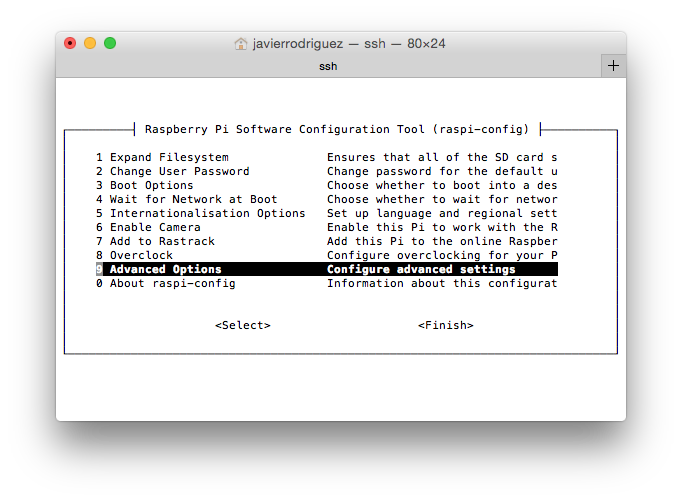
Xojo is a superb choice for developing and deploying apps for Raspberry Pi. After all, Xojo not only simplifies making the User Interface of your apps via drag and drop, it’s an object-oriented and event oriented programming language that builds native Linux apps based on the ARM processor architecture for the Raspberry Pi (among other platforms).
Comments closedIn previous blog entries we saw how easy it is to implement the Design Pattern Singleton and how we can find the Observer Design Pattern already implemented on several Xojo features by default, greatly simplifying our code and interaction between the objects. Now, as promised, it is time to put it all in practice, creating our own Notification Center: a class that will allow us to share the same unique instance for the entire App (Singleton), and that can use any object in order to register itself for receiving notifications by the observed Control, for one or more message (the notifications themselves).
Comments closed